 Cairn
Web browser for iPad
Leave a marker.
Come back to it.
Research happens in episodes. Cairn keeps each project in its own Space, freezes a session so you can pick it up weeks later, and writes page summaries on the iPad instead of a server.
Free to try for 21 days. No account needed.
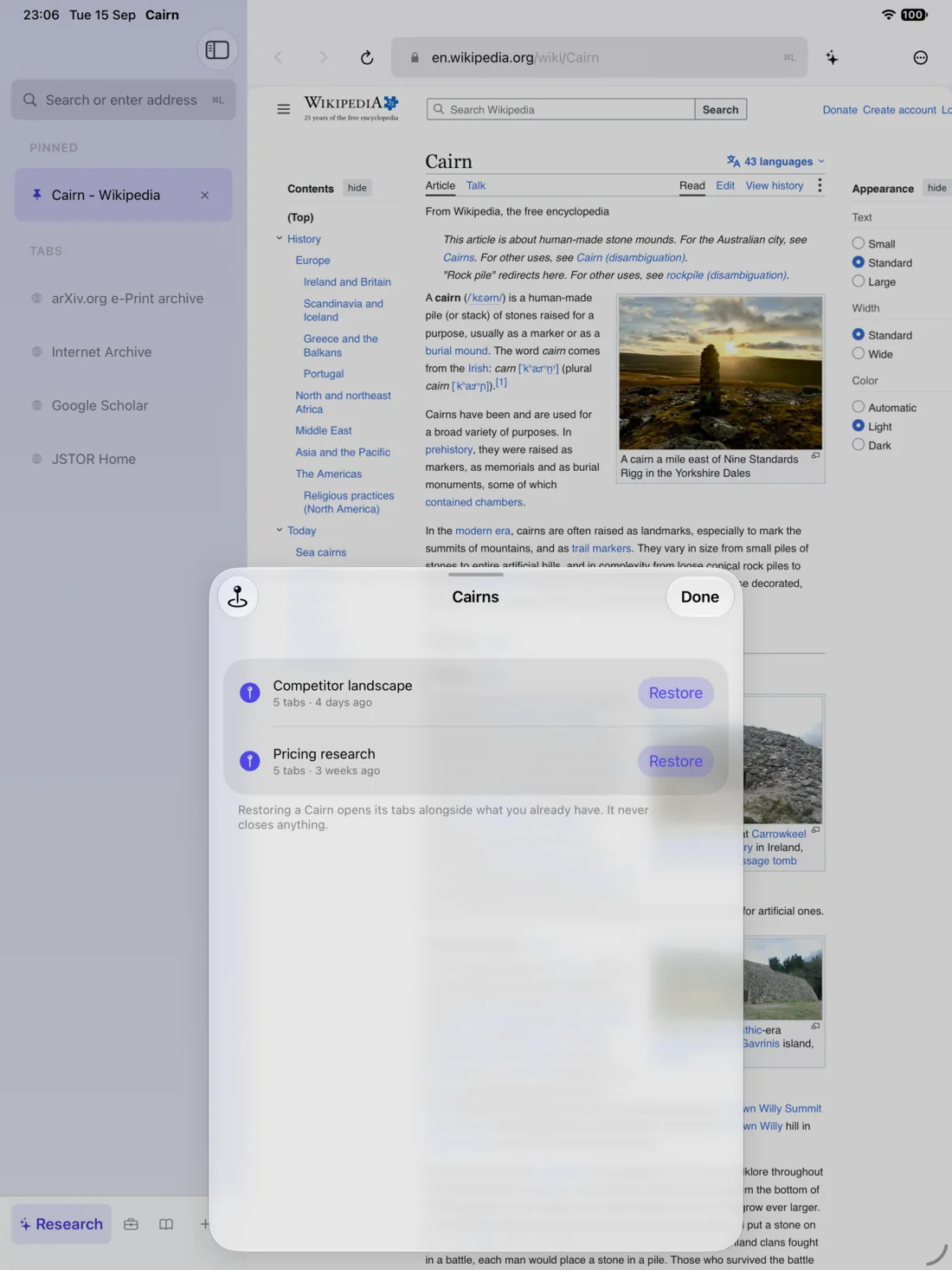
- Lisbon trip7 tabs · yesterday
- Pricing research5 tabs · 3 weeks ago
- Competitor landscape5 tabs · 4 days ago
- Thesis sources12 tabs · 2 months ago
A Cairn is everything that was open in a Space, with where you were on each page.
Cairns
Freeze a session. Pick it up weeks later.
Save every tab in a Space as a named Cairn, and restore it when the project comes back. Each page reopens where you left it, and restoring never closes what you already have open.
Cairn names them for you from the tab titles, and you can attach typed notes or Apple Pencil ink.
Spaces
Two identities, side by side.
Every Space has its own tabs, its own search engine and its own cookie store, so you can be signed in to the same site as two different people. Put a page from one Space next to a page from another in split view.
- Slate
- Ember
- Moss
- Tide
- Iris
- Plum
- Sand
- Rose
On-device AI
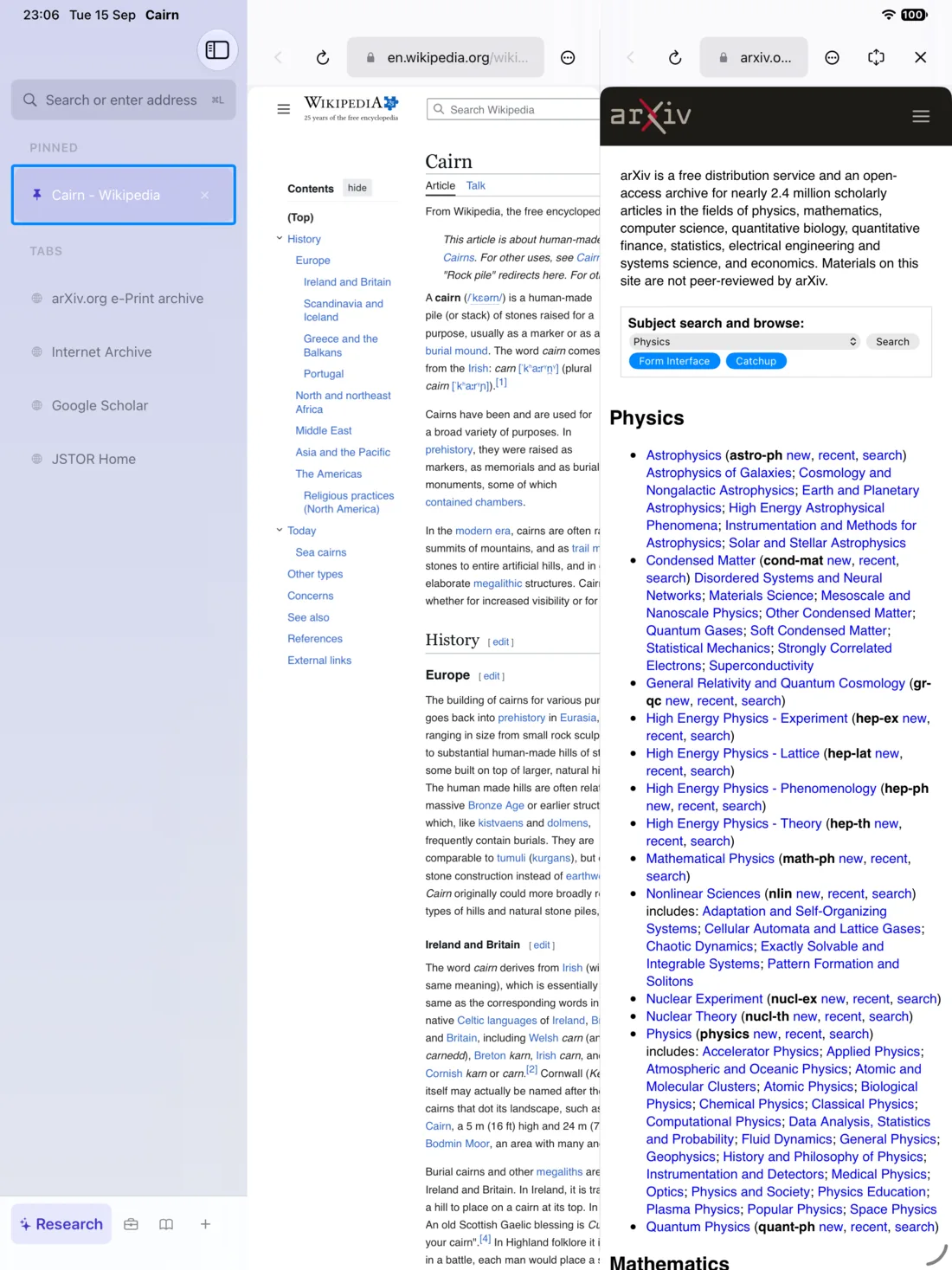
Summaries that never leave the iPad.
Summarise a page, ask a question across the tabs in a Space, compare pages in a table or tidy loose tabs into Cairns. It all runs on the iPad with Apple Intelligence, so it works on a plane and no page text is sent anywhere.
On an iPad without Apple Intelligence, you can download an open model instead. Cairn tells you the size before anything is fetched.
And the rest
The parts you notice after a week.
Reader, Listen, Keep Offline
A clean article view that can be read aloud or saved for a flight.
Pencil highlights
Mark up any page with Apple Pencil and attach a note in the margin.
Blocking built in
Ads and trackers stop before the request is made, and cookie pop-ups answer themselves.
Watch a page
Cairn tells you when a page you're watching changes, without refreshing by hand.
Command bar
Jump to any tab, Space or setting by typing, with a full keyboard shortcut set.
Split view
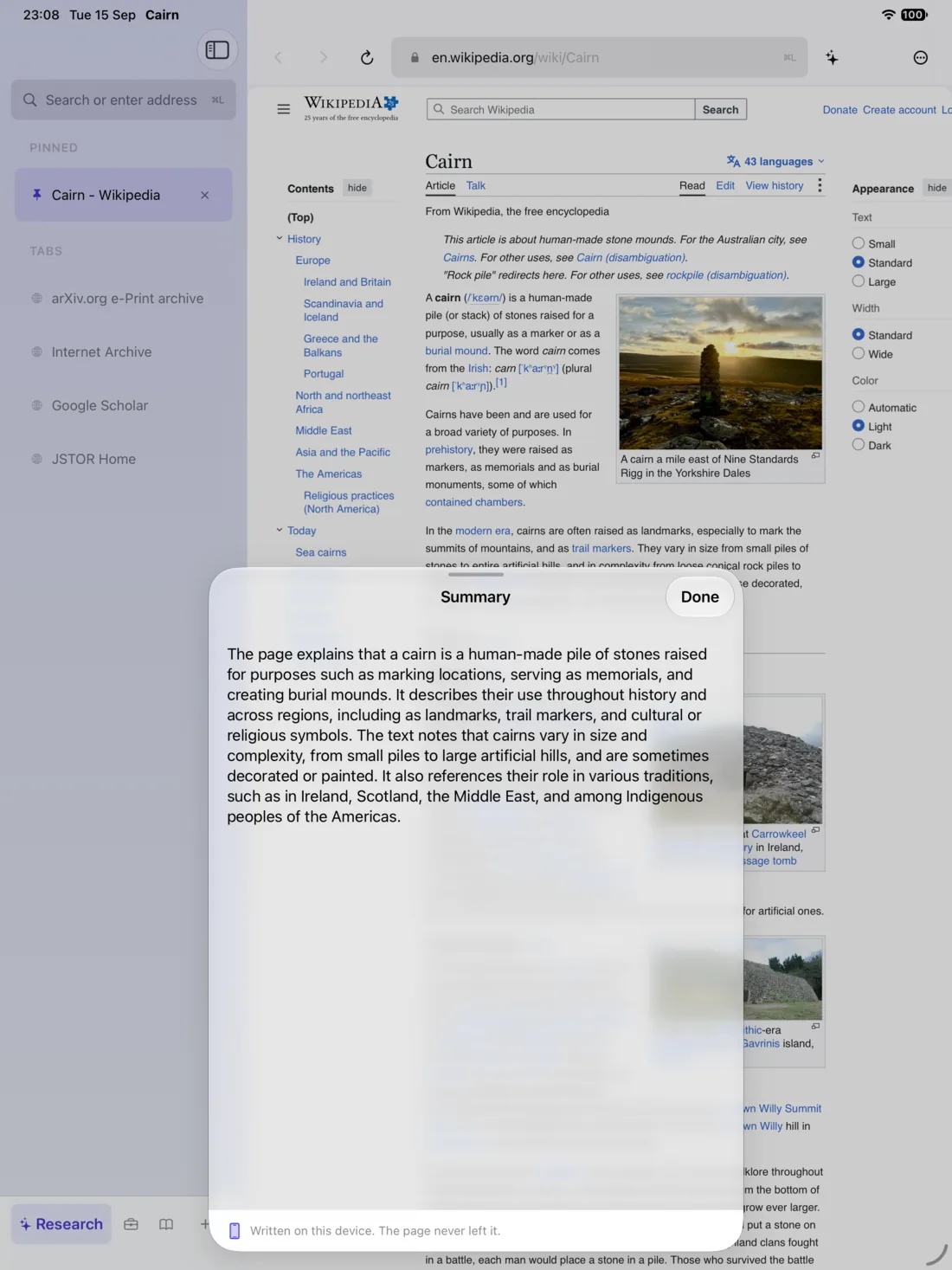
Two pages side by side, even from two different Spaces.
Your iCloud, not ours
Spaces, tabs and Cairns sync through your private iCloud database.
Private Spaces, locked
Lock a Space behind Face ID, so a shared iPad can still keep a secret.
Privacy
Nothing about your browsing is ours to see.
- No account
- There is nothing to sign up for, and no server of ours between you and the web.
- No analytics
- No tracking, no crash reporter that sees your pages, no ads. This site has none either.
- Blocking built in
- Ads and trackers are blocked before the request is made, and cookie pop-ups are answered “reject all”.
- Your iCloud, not ours
- Spaces, tabs and Cairns sync through your private iCloud database. History and page text stay on the iPad.
Before you install
What you need, and what it costs.
- iPadOS 26 or later
- Cairn is made for iPad, with a sidebar, a command bar, split view, Stage Manager and Apple Pencil.
- Apple Intelligence, or a downloaded model
- Apple Intelligence needs an iPad with M1 or later, or A17 Pro. Other iPads can download an open model (about 1 GB) the first time they use an AI feature.
- 21 days with everything
- Every feature is unlocked from the first launch. After that, Cairn keeps working with one Space.
- One purchase, no subscription
- A single in-app purchase unlocks every Space for good.
Questions
Before you ask.
Is Cairn free?
Every feature works for 21 days. After that, a single $19.99 purchase unlocks every Space for good, with no subscription and no second tier.
Does it work without Apple Intelligence?
Yes. Browsing, Spaces, Cairns and blocking need nothing extra. The AI features can run on a downloaded open model instead, about 1 GB, fetched once.
Is my data sent to a server?
No. There is no Cairn server. Spaces, tabs and Cairns sync through your own private iCloud database, and page summaries are written on the iPad.
Does it replace Safari?
It can. Cairn has asked Apple for the default-browser entitlement, so links from other apps can open in Cairn; that is waiting on Apple's approval.
Is there an iPhone version?
Not yet. Cairn is built for iPad first, where a sidebar and split view earn their keep.
Cairn is on the App Store.
Free to try for 21 days, then one purchase unlocks every Space. Tell us which sites break and what you would pay; both answers help.
Download on the App Store